Let people nearby find what is on your shelf.
Kreyaa Merchant puts your shop and your stock on the map, so shoppers who are already looking for what you sell can walk in.
Last updated 2 November 2026
Kreyaa Merchant is the app for shop owners. Sign in with an emailed code, register your shop, add items with a photo and price, mark what is in stock, and answer hold requests from shoppers nearby. Your shop appears on the Kreyaa map as soon as you register.
Set up in four steps
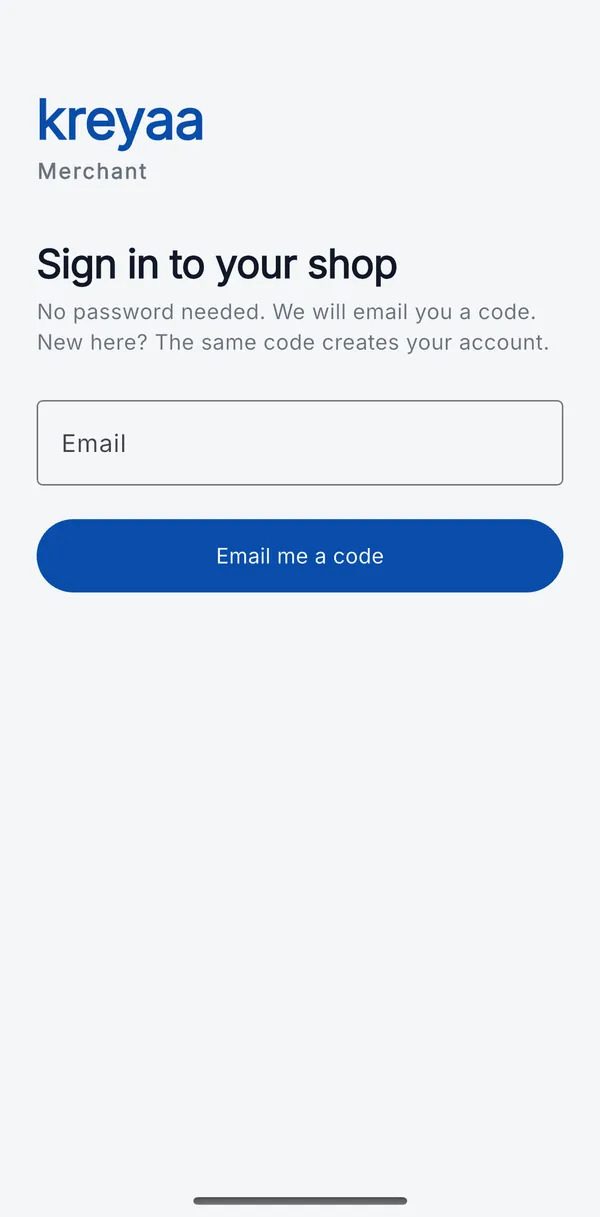
- Sign in with a code. Enter your email and we send a 6-digit code. There is no password to forget.
- Register your shop. Shop name, phone, address, area, opening hours, and a pin on the map (use your current location while standing in the shop, or place the pin by hand).
- Add items. Take a photo, set the price and MRP, choose the category and sizes, and mark it in stock, low stock or out.
- Answer holds. When a shopper asks you to keep something, confirm or decline in one tap.
What you can do in the app
| Area | What it does |
|---|---|
| Holds | Requests waiting for your answer, items you have set aside, and the earlier ones. A badge shows how many are waiting. |
| Items | Everything you list, with price, sizes and stock. Tap to change the price, sizes or stock, or to mark an item as checked now. |
| Shop | Your shop's details, whether it is live on Kreyaa, and how many items are listed. |
Why keep stock fresh
Shoppers see "Checked 2h ago" next to every item. A recent check tells them your shelf is worth the walk. Marking an item as checked takes one tap, and updating stock when something sells out saves a customer a wasted trip, and you an awkward conversation.
What you control
- You decide what to list, at what price, and what is in stock.
- You confirm or decline every hold request. Kreyaa never reserves anything for you.
- The customer pays you in your shop. Kreyaa does not touch the money.
Frequently asked by shop owners
How does a shop join Kreyaa?
The shop owner installs Kreyaa Merchant, signs in with an emailed code (no password), enters the shop name, phone, address, opening hours and location, and starts adding items with photos. The shop appears on the Kreyaa map as soon as it is registered.
Does it cost shops anything?
Pricing for shops has not been announced. Joining the waitlist does not commit you to anything, and any future pricing will be announced before it applies.
Is the item reserved when I ask for a hold?
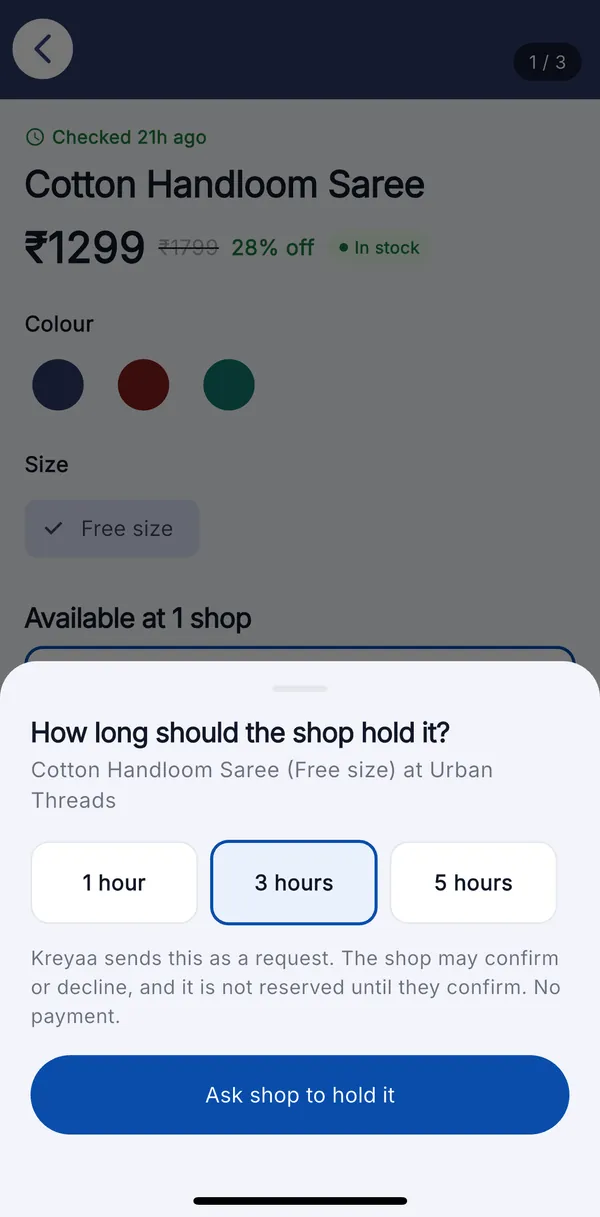
Not until the shop confirms. A hold is a request. The shop can confirm it, and then keeps the item aside for the time you chose, or decline it if it cannot. Kreyaa tells you which happened.
How often should I update my stock?
As often as it changes, and at least once a day when you open. Each item shows shoppers when it was last checked, and a "mark as checked now" button confirms an item without changing it. Shops that check often get more trust and more visits.
What happens when someone asks for a hold?
You see the request in the Kreyaa Merchant app with the item, size and how long they asked for. Choose "Set aside" to confirm, or "Can't hold" and give a reason (sold out, size not available, cannot hold right now, or something else). Choosing "sold out" also removes that size from your listing.
Put your shop on Kreyaa
Tell us where your shop is and we will contact you before Kreyaa opens in your area.
We use your email only to tell you about Kreyaa. Read our privacy policy.